Cybersecurity isn’t an IT-only issue; it’s a shared responsibility that touches every part of the UC community. Whether you’re teaching, conducting research, supporting operations or working remotely, your actions play a critical role in protecting the university’s information, data and services.
This year’s Cybersecurity Awareness Month theme, Resilient Together, recognizes that technology alone cannot protect us from cyber threats. While technology can support resiliency, it really comes from people making informed decisions, taking simple steps to reduce risk and knowing how to respond when something doesn’t seem right. Together, we can build a stronger and more secure UC.
What Does “Resilient Together” Mean?
Cyber threats keep evolving, from phishing attacks and social engineering schemes to ransomware and account compromise attempts. While security tools help defend against these threats, the strongest defense is a community that stays informed and vigilant.
Being resilient means:
- Recognizing suspicious activity before it becomes a problem
- Taking steps to secure accounts and devices
- Reporting potential threats promptly
- Supporting colleagues in maintaining safe cybersecurity practices
Every action matters. A single click can introduce risk, but a single report can help prevent a broader security incident.
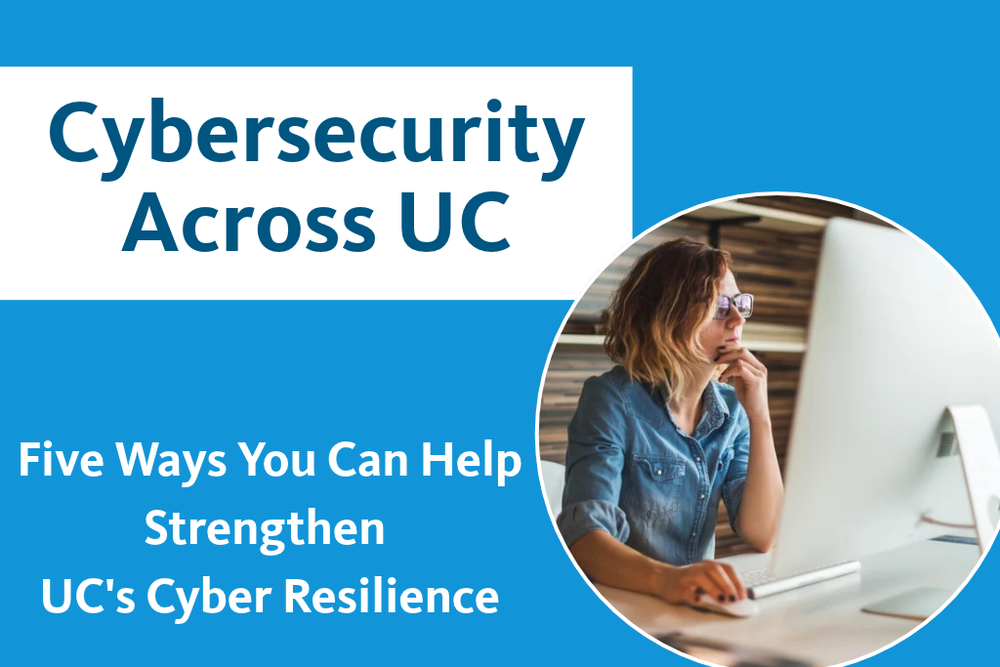
Five Ways You Can Help Strengthen UC’s Cyber Resilience
#1 Think Before You Click and Report Suspicious Messages
Phishing emails remain one of the most common ways cybercriminals gain access to accounts and information. Before clicking a link or opening an attachment, take a moment to verify the sender and look for signs of fraud. If you receive a suspicious email:
- Don’t open attachments, as they may contain malware that can infect your device or compromise university data.
- Don’t click on any links inside the email. Instead, check the company’s website by typing the URL into your browser or call the company directly (or the person if it’s from an individual).
- Don’t fill out any emailed forms that ask for personal or financial information.
- Report suspicious emails using the reporting tools or procedures provided by your location’s IT or information security team.
#2 Enable Multifactor Authentication
Multifactor authentication (MFA) adds an important layer of protection beyond your password. If your password is stolen, guessed or exposed in a data breach, MFA can help prevent unauthorized access by requiring a second form of verification, such as a code sent to your phone or an authentication app.
MFA can significantly reduce the risk of account compromise. Whenever MFA is available, enable it for your university, personal, financial and other important accounts.
#3 Create Strong, Unique Passwords
Passwords are often the first line of defense for your accounts. Reusing the same password across multiple sites increases risk because if one account is compromised, attackers may try the same credentials elsewhere.
To strengthen your security:
- Use a unique password for each account.
- Avoid using easily guessed information such as names, birthdays or common words.
- Create long, complex passwords or passphrases.
- Pair strong passwords with MFA whenever possible.
- Use a password manager to generate and securely store strong passwords. Password managers make it easier to maintain unique passwords across dozens of accounts without having to remember them all.
#4 Keep Software and Devices Updated
Software updates often include security fixes that address known vulnerabilities. Keeping your computer, mobile devices, applications and browsers up to date reduces opportunities for attackers.
So don’t click “Remind Me Later” indefinitely: update your computer when you get a notice. Cybercriminals frequently target known security weaknesses that already have fixes. Promptly installing updates is one of the simplest and most effective ways to protect your devices, accounts and data.
#5 Report Suspicious Activity
If something doesn’t seem right, trust your instincts. Reporting suspicious emails, messages or activity quickly gives security teams an opportunity to investigate and respond before issues escalate. Examples of suspicious activity include:
- Phishing emails or suspicious attachments
- Unexpected requests for passwords or sensitive information
- Signs that an account may have been compromised
- Unauthorized access to systems, applications or data
- Accidental disclosure of sensitive information
When in doubt, report it. It’s better to investigate a false alarm than miss a real security incident.
Building a More Resilient UC
Building resilience is an ongoing effort, not a one-time task. Small actions such as enabling MFA, using strong passwords, installing updates and reporting suspicious activity can significantly strengthen our collective security.
This Cybersecurity Awareness Month, take a few minutes to review your own cybersecurity habits and encourage others to do the same. Together, we can help protect the teaching, research, healthcare and operational missions that make UC exceptional.
Share YOUR Cybersecurity, Privacy, or Digital Risk Story!
Do you have a story, initiative, or project to share for the Cybersecurity Across UC series? Send us information, an outline, a story you have written, or even a published story that is relevant. We’d love to include it in this new series! Submit a UC Tech News blog intake form found here.
Questions? Email us at UCTechNews@ucop.edu.