Protecting UCLA Health information starts with understanding what kind of data we work with and how it should be handled. To make this easier, UCLA Health IT created a short Data Classification video with clear, practical guidance for day-to-day work.
The video explains the UCOP data classification levels and why they matter for privacy, security, and compliance. It’s intended as a practical starting point you can return to anytime you need a quick reminder of what to do. When we classify data appropriately, we can apply the right safeguards—especially when storing files, sharing documents, sending email, or using clinical and business systems.
In a few minutes, you’ll learn:
- What data classification is and why it matters
- How classification supports safe storage, sharing, and access decisions
- Our shared responsibility as a workforce to handle information appropriately
Data classification comes up more often than you might think—attaching files to email, collaborating in shared drives, exporting reports, printing documents, or sharing information with teams and partners.
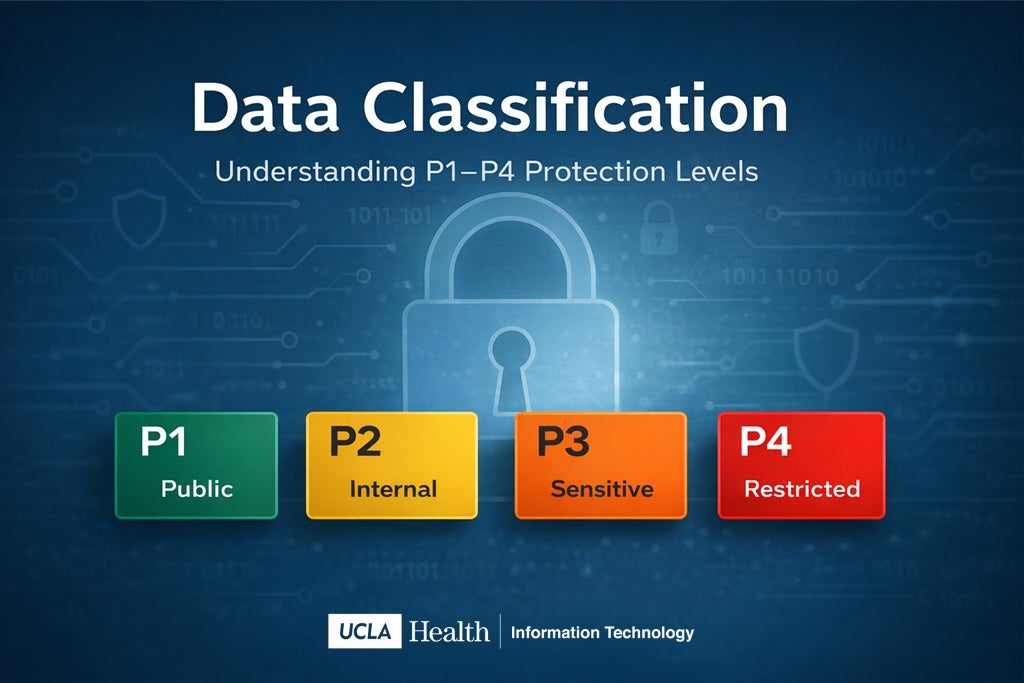
Watch the Video
Please take a few minutes to view the Data Classification video and share it with your team. This quick refresher helps reinforce good data-handling habits and strengthens our overall approach to information protection.
Additional Resources
To learn more about data classification, view these resources: